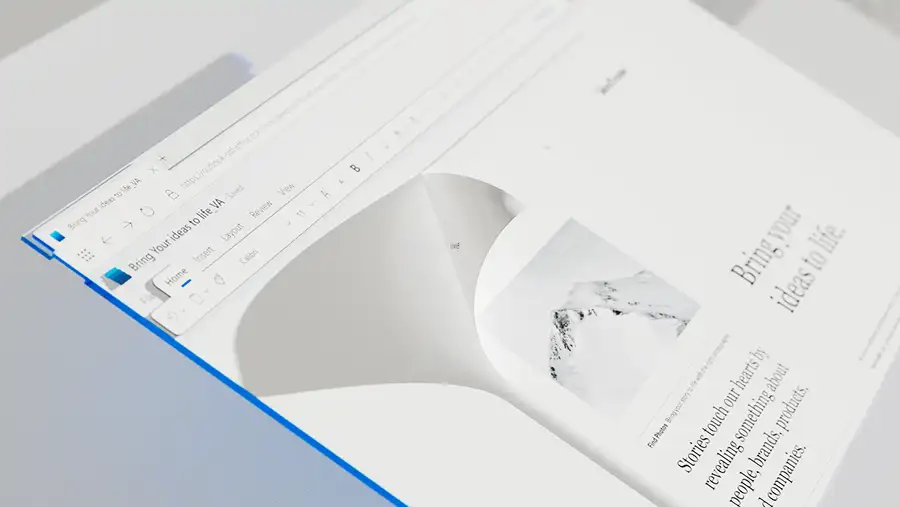
In today’s fast-paced digital world, the way we create, edit, and share documents has evolved. Gone are the days when you had to rely solely on desktop software to complete your tasks. With the rise of cloud-based platforms, working on documents has become more flexible, collaborative, and accessible. Among these tools, Word Online stands out as a convenient solution for individuals, students, and professionals who need to work seamlessly anytime, anywhere.
This guide will take you through everything you need to know about Word Online—its features, benefits, and how it compares to other document tools—so you can decide if it’s the right fit for your workflow.
What Is Word Online
Word Online is the web-based version of Microsoft Word, designed to let you create, edit, and collaborate on documents directly from your browser. Unlike the traditional desktop app, there’s no need to install software or save files manually to your computer. Instead, everything is cloud-based, making your documents accessible from multiple devices as long as you have an internet connection.
This platform is ideal for:
- Students drafting essays or group projects.
- Professionals managing reports, proposals, and contracts.
- Teams that want real-time collaboration without juggling multiple versions of the same file.
Key Features Of Word Online
Word Online isn’t just a stripped-down version of Word; it’s a powerful editing tool in its own right. Here are some of its standout features:
1. Real-Time Collaboration
Multiple users can open and edit the same document simultaneously. Edits appear in real time, eliminating the hassle of emailing attachments back and forth.
2. Automatic Cloud Storage
All files are saved automatically to cloud services such as OneDrive or SharePoint. This ensures you never lose your work and can access documents from any device.
3. Familiar User Interface
If you’ve used Microsoft Word before, the online version will feel instantly familiar. The ribbon-style toolbar and formatting options are intuitive, making the transition smooth.
4. Cross-Device Accessibility
Whether you’re on a laptop, tablet, or smartphone, Word Online ensures a consistent editing experience across devices.
5. Integration With Microsoft 365
Word Online works seamlessly with other Microsoft apps like Excel, PowerPoint, and Teams, streamlining collaboration for businesses and organizations.
Why Use Word Online Instead Of The Desktop App
You might wonder why you’d choose Word Online when the desktop version is already so powerful. The answer lies in flexibility.
Convenience On The Go
When you’re travelling or working remotely, you may not always have access to your main computer. Word Online allows you to open your document on any browser—no installation required.
Cost-Effectiveness
While Microsoft Office desktop apps often require a subscription, Word Online is accessible for free with a Microsoft account. This makes it a great option for individuals or students on a budget.
Collaboration First
If collaboration is a priority, Word Online outshines the desktop app. Real-time co-authoring is smoother and more straightforward than editing multiple versions offline.
Practical Tips To Get The Most Out Of Word Online
If you’re ready to incorporate Word Online into your workflow, here are some practical tips:
- Use Keyboard Shortcuts – Many of the same shortcuts from the desktop version (like Ctrl+C for copy, Ctrl+V for paste) work in Word Online.
- Leverage Templates – Word Online offers built-in templates for resumes, reports, and letters, saving you time when starting a new project.
- Share with Permissions – Control who can view or edit your document by setting custom permissions.
- Check Compatibility – If you’re sharing documents with people using older Word versions, double-check formatting before finalizing.
- Explore Add-Ins – Enhance functionality with add-ins like citation tools or grammar checkers.
Who Should Use Word Online
Word Online is designed for a broad audience, but it’s especially valuable for:
- Students: Easy access from any device and collaborative features make it perfect for group assignments.
- Remote Teams: Real-time editing supports smooth collaboration across locations and time zones.
- Casual Users: Those who don’t need all the advanced features of the desktop app can benefit from the simplicity of the online version.
The Future Of Document Editing
The rise of cloud-based tools like Word Online reflects a broader shift in how we approach productivity. With more organizations embracing remote and hybrid work models, flexible document editing platforms are becoming essential. Future updates will likely continue to close the gap between Word Online and the desktop app, offering even more robust features without sacrificing accessibility.
Word Online provides a balance between convenience, collaboration, and cost-effectiveness. While it may not replace the desktop app for advanced users, it’s a reliable solution for most day-to-day document tasks. Whether you’re a student collaborating on a project, a professional managing reports, or simply someone who needs quick access to documents on the go, Word Online delivers a streamlined editing experience.
By integrating cloud storage, real-time collaboration, and a familiar interface, it ensures you can work smarter—no matter where you are.